

Keeping Your Business Secure This Christmas: Cyber Security, IT Support & Infrastructure Tips for a Smooth Holiday Season
The festive season is a time for celebrating, relaxing, and winding down - but unfortunately, it’s also one of the busiest times of year for cyber criminals, system failures, and unexpected tech issues. With many teams working reduced hours or taking well-earned breaks, your IT environment can become more vulnerable than ever.
Whether you rely on strong IT support, a solid network infrastructure, or dependable DMS (Document Management System) tools, now is the perfect time to make sure everything is ready for the Christmas period.
Here’s how to keep your business running smoothly and securely this holiday season.
Cyber Criminals Don’t Take Holidays

Cyber attacks spike during November–January. Why?
Businesses slow down, staff become distracted, and inboxes fill with seasonal messages - making phishing scams easier than ever.
Common Christmas cyber threats include:
Fake “delivery notifications”
Gift card scams
Fake holiday eCards containing malware
Invoice impersonation
Social engineering targeting staff who are covering holiday shifts
How to stay protected:
Enable Multi-Factor Authentication (MFA) across all accounts
Run security awareness reminders for staff
Check backups before the break
Update all devices, apps, and operating systems
Set up monitoring alerts for unusual activity
A few minutes of preparation could save your business from a costly cyber incident.
IT Support: Preparing for Out-of-Office Season

With staff on holiday, your business may experience slower internal response times - which is why reliable IT support is essential in December.
Pre-Christmas IT support checklist:
Make sure all critical systems have support coverage during holiday hours
Log any outstanding issues before staff go on leave
Inform your IT provider of holiday working patterns
Ensure remote access is working for any staff working from home
Confirm emergency contact processes for urgent issues
IT problems always seem to happen at the worst possible time - so a proactive approach is much safer than a reactive one.
Infrastructure: Don’t Let Your Network Get Frosty
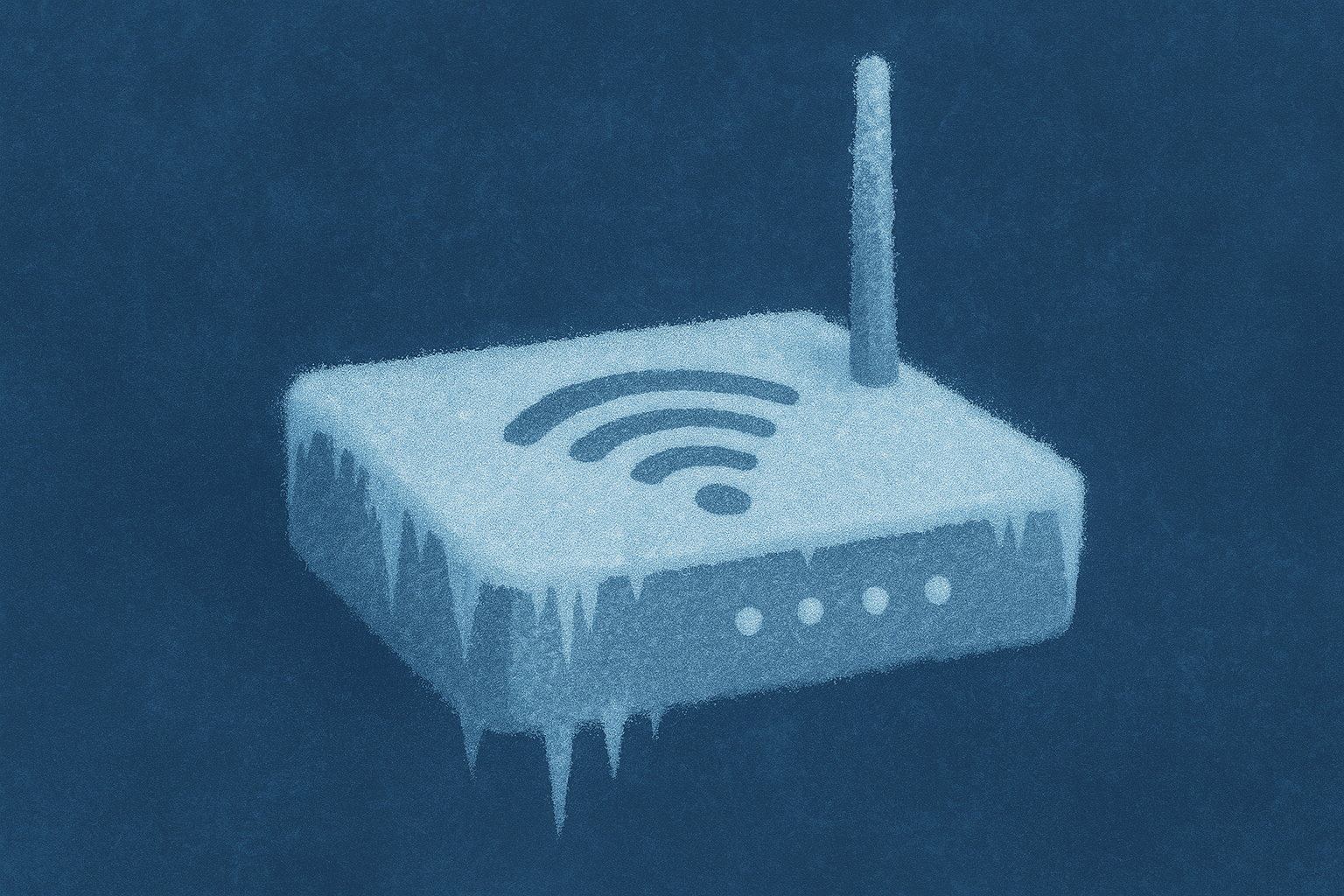
A strong IT infrastructure keeps everything else running - especially when your office is quiet or operating on skeleton staff.
Pre-holiday infrastructure best practices:
Patch firewalls, routers, and switches before closing
Ensure server rooms are monitored for power and temperature issues
Test backup power systems and UPS devices
Check storage usage and clear unnecessary files
Audit user access and remove old or unused accounts
Ensure offsite backups or cloud backups are synced and verified